 GIF Face Swap
How GIF Face Swap creates realistic face swaps
Our workflow is designed to be fast, flexible, and secure. From upload to export, every step is optimized for accuracy and privacy.
1. Upload your media
Choose a photo or video from your library or start with a template.
2. Detect & match
GIF Face Swap maps facial landmarks and matches lighting and tone.
3. Refine the result
Adjust keyframes, smoothing, and edge blending for realism.
4. Export in HD
Save or share instantly with export presets for social platforms.
5. Control retention
Delete projects anytime with clear retention policies.
6. Repeat at scale
Use saved presets to create multiple swaps in seconds.
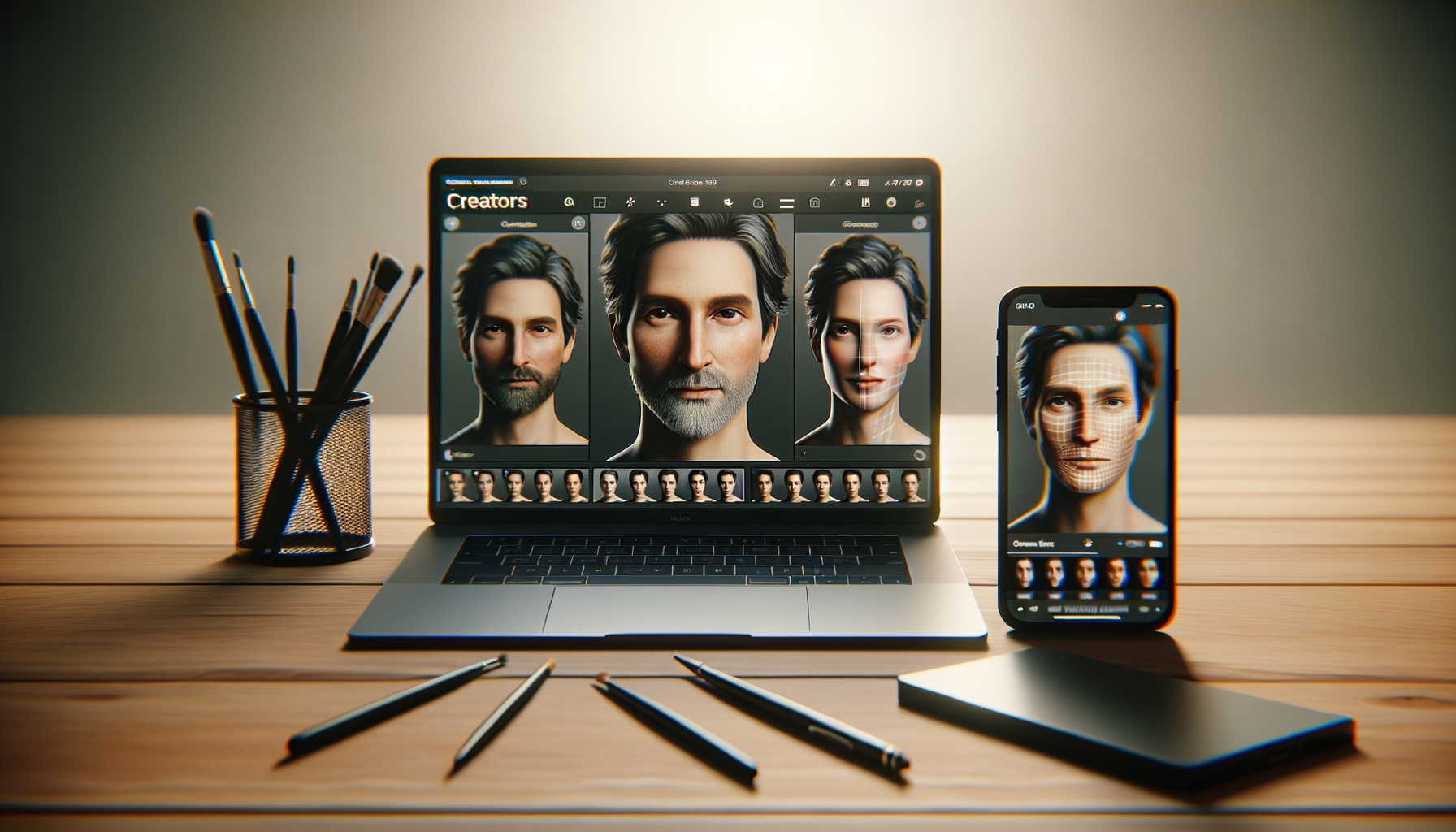
Built for speed without sacrificing control
Use automatic face matching for instant results, or dive into advanced controls to refine each scene and export with confidence.
Try the workflow